Using the Grant Portal
goApply
We've created tutorials on how to navigate our updated grant portal, including how to create an account, how to review your organization profile, and how to apply for a grant.
Click here for a comprehensive instruction manual or view the videos below if you prefer to follow along with a staff member walking you through the steps. For any technical questions not covered here, please email GrantSupport@GRFoundation.org
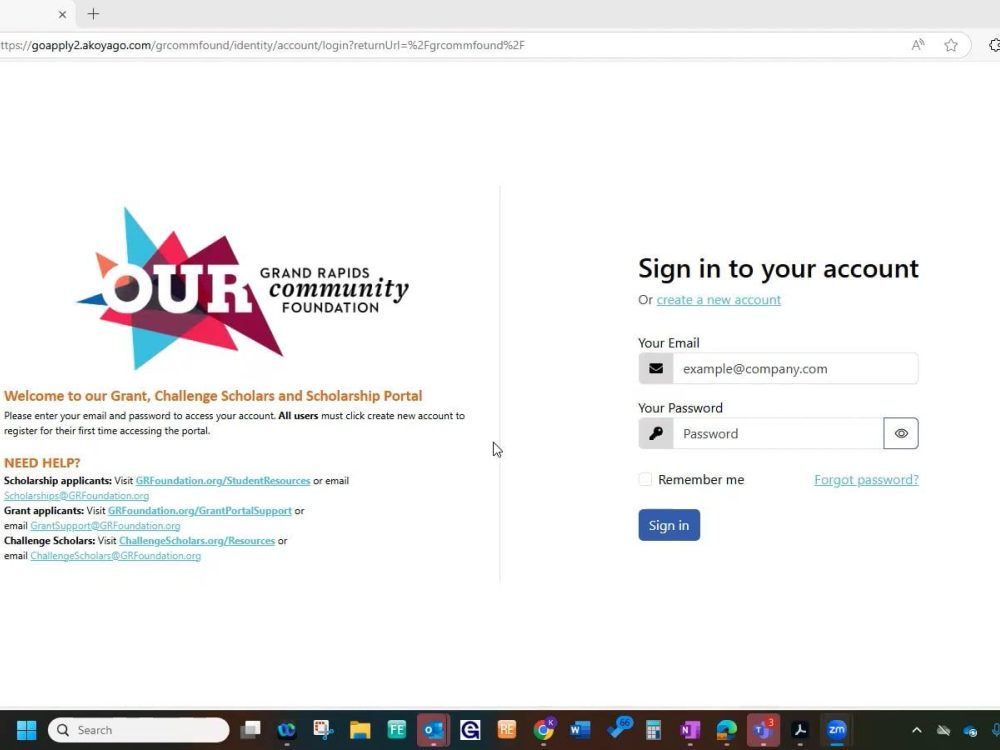
Create a new account (Do this first!): Each organization must set up an account in our new grant portal the first time you apply for a grant since the launch of our new grant portal in August 2024 (even if you have previously applied for a grant from Grand Rapids Community Foundation).
Basic Use: A tutorial on using the portal to apply for grants and update your organization profile.
Pending Changes and Check-In: Learn how to update your profile and view the changes made.